forever
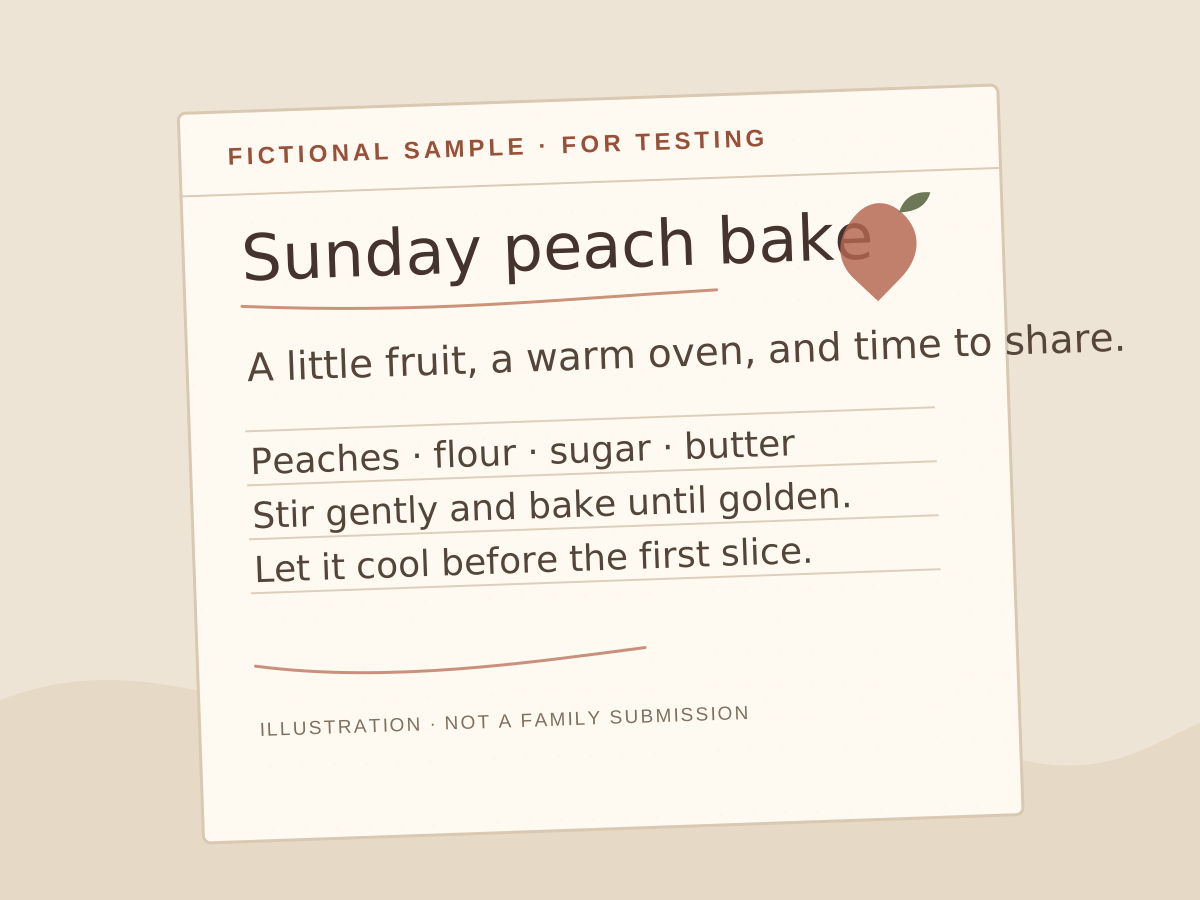
A made-up card for trying the editor. It is not a family submission.
Why it matters
The smudge is part of the recipe.
A family recipe is more than a list of ingredients. It is the handwriting, the shorthand, the “good bit” of butter, and the person you can still hear saying it.
In the printable page creator, Cardmorrow places the full original photo on your keepsake page without changing the handwriting.
Add your own title, contributor name, and family story as separate page details. The original card remains the source for every word and amount.
The gentle workflow
From card to keepsake in a few careful steps.
Built for a phone in the kitchen, and a printed page at the family table.
- 01
Choose the card
Select a photo or take one with your phone camera.
- 02
Add the details
Optionally write a page title, contributor, and family story.
- 03
Choose a theme
Preview the original photo on a Parchment, Sage, or Rosewood page.
- 04
Keep a copy
Download the finished page as a printable PDF.
A page that sounds like them
Make room for the recipe and the person who wrote it.
Place the complete, unchanged card photo on the page. Add the name of the contributor and a short story separately, keeping the handwriting just as it is.
Kept close
Your family archive is not our content library.
PDF creator photos stay in this browser
Photos selected in the printable page creator stay in that editor’s memory; they are not uploaded or added to saved recipes.
Photos attached to saved recipes
With an active membership, photos you add to saved recipes are stored online for private viewing in your account.
Never sent to AI
The printable page creator does not send its selected photos to an AI service or use them for training.
Remove it any time
Use Remove photo in the PDF creator to clear a selection. Closing or reloading the page clears its in-memory photos too.
Your download stays yours
A PDF you downloaded is saved on your device; removing a photo from the PDF creator does not delete that file.
Start with one recipe
The card in the drawer is already a keepsake.
Start with a card from your own kitchen. Photos used in the printable page creator stay in this browser; the finished PDF downloads to your device.
Early demo feedback
Help shape Cardmorrow.
What felt confusing in the demo, and what would you like to see next?